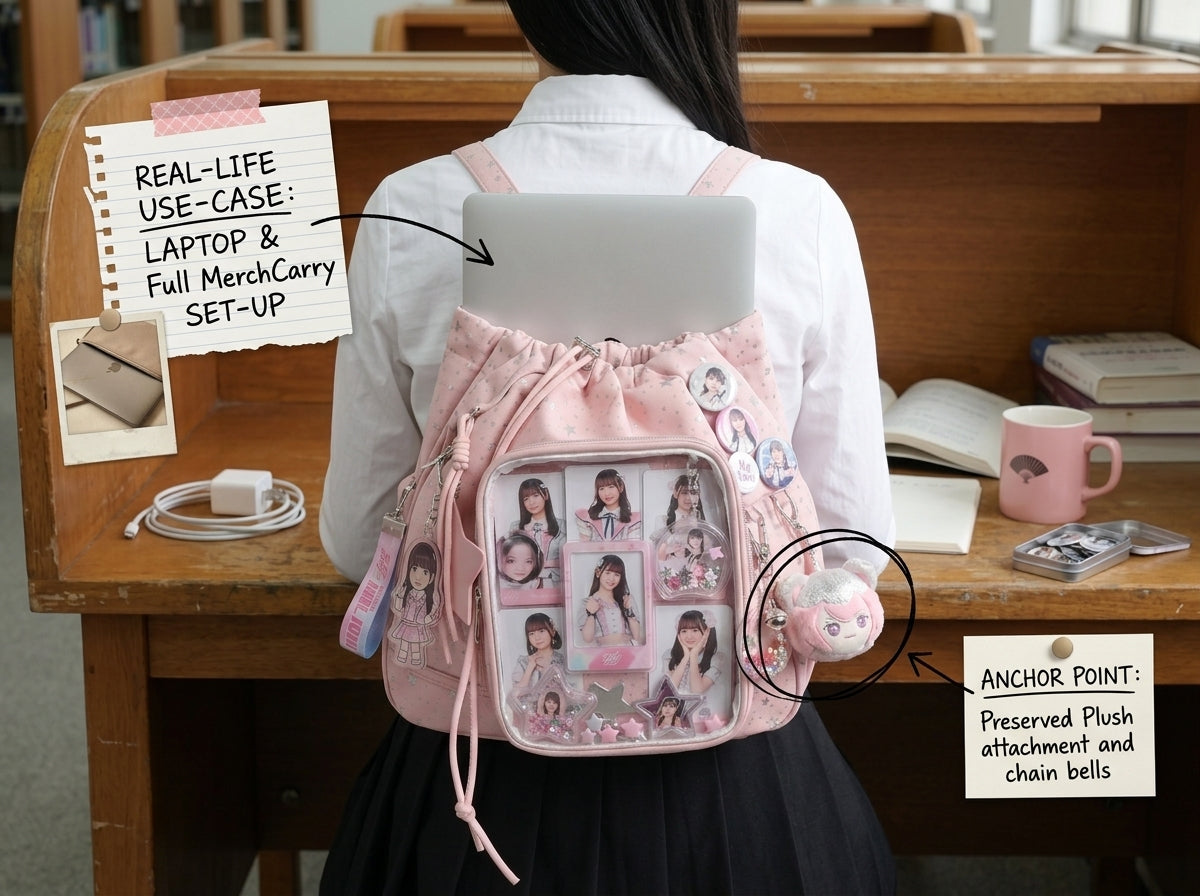
An ita backpack can carry both technology and fandom merch, but you should not assume a laptop fits simply because the backpack looks large. Laptop fit depends on the actual internal opening, sleeve dimensions, padding, and the thickness of your device.
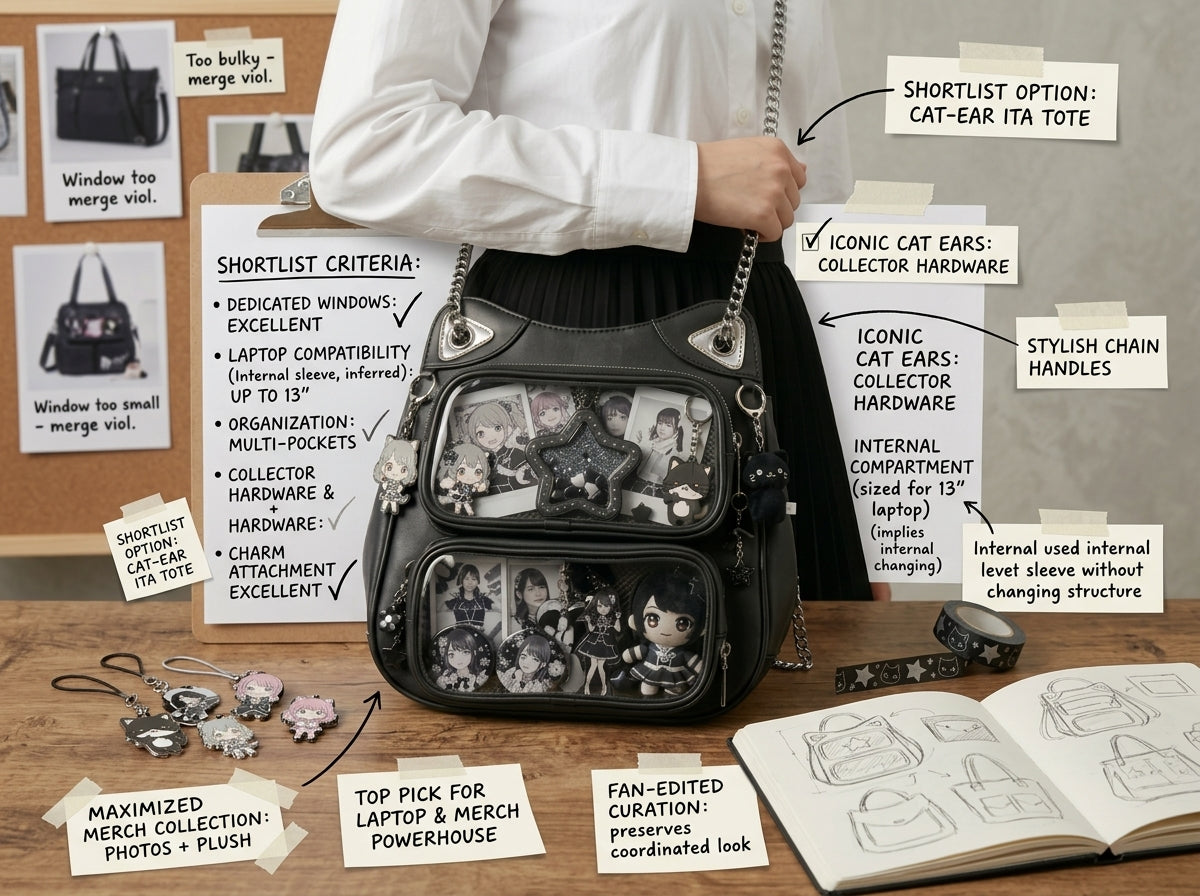
1. Verify laptop fit with real measurements
Measure your laptop’s width, height, and thickness with any case you normally use. Compare those numbers with the backpack’s internal laptop area or opening. Outer bag dimensions alone are not enough.
2. Keep the laptop closest to your back
A laptop is usually one of the heaviest flat items in the bag. Positioning it against the back panel keeps weight close to your body and away from the display hardware.
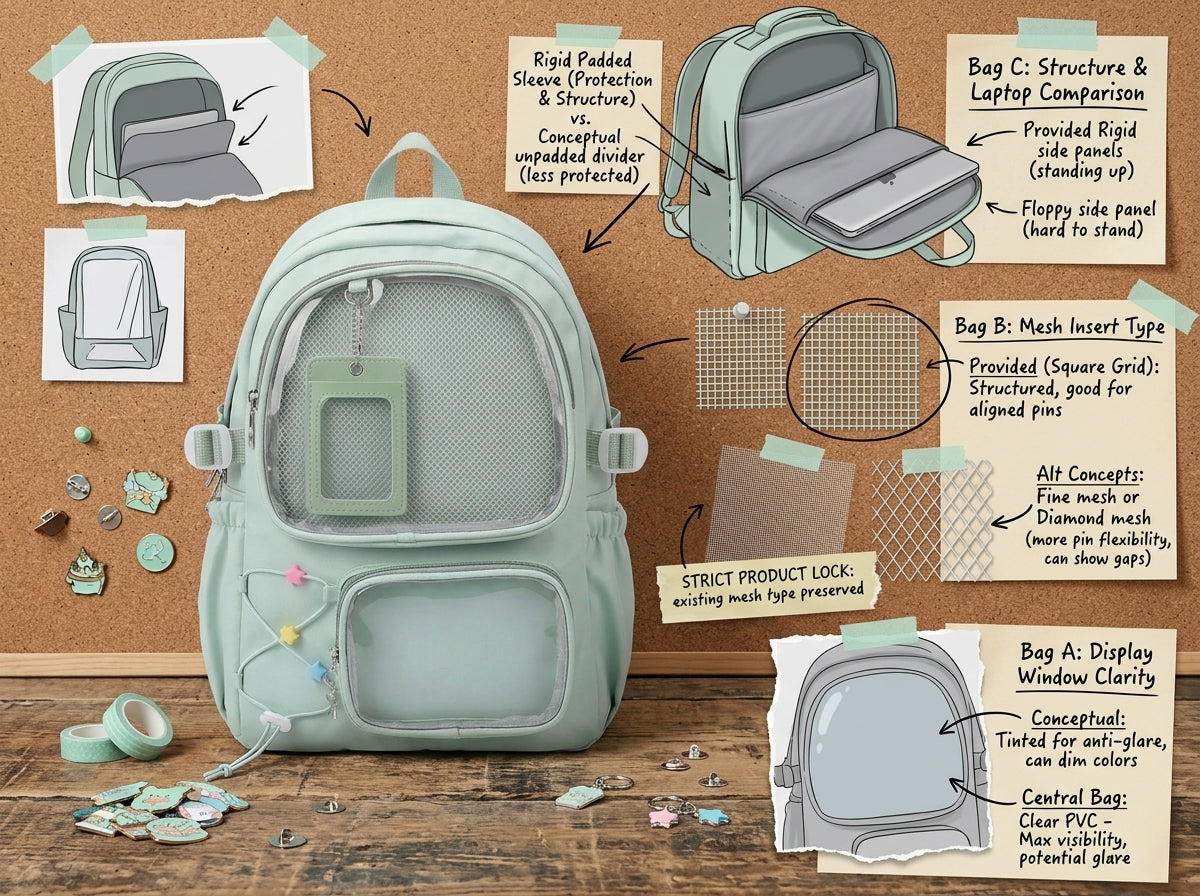
3. Protect the display from the laptop edge
Use the laptop sleeve or a protective case and make sure the device does not press directly into pin backs, photocard holders, or acrylic pieces.
4. Check bag depth after the laptop is inside
The remaining compartment still needs room for chargers, notebooks, and daily essentials. If adding those items makes the clear front panel bow, the bag is not large enough for that particular load.
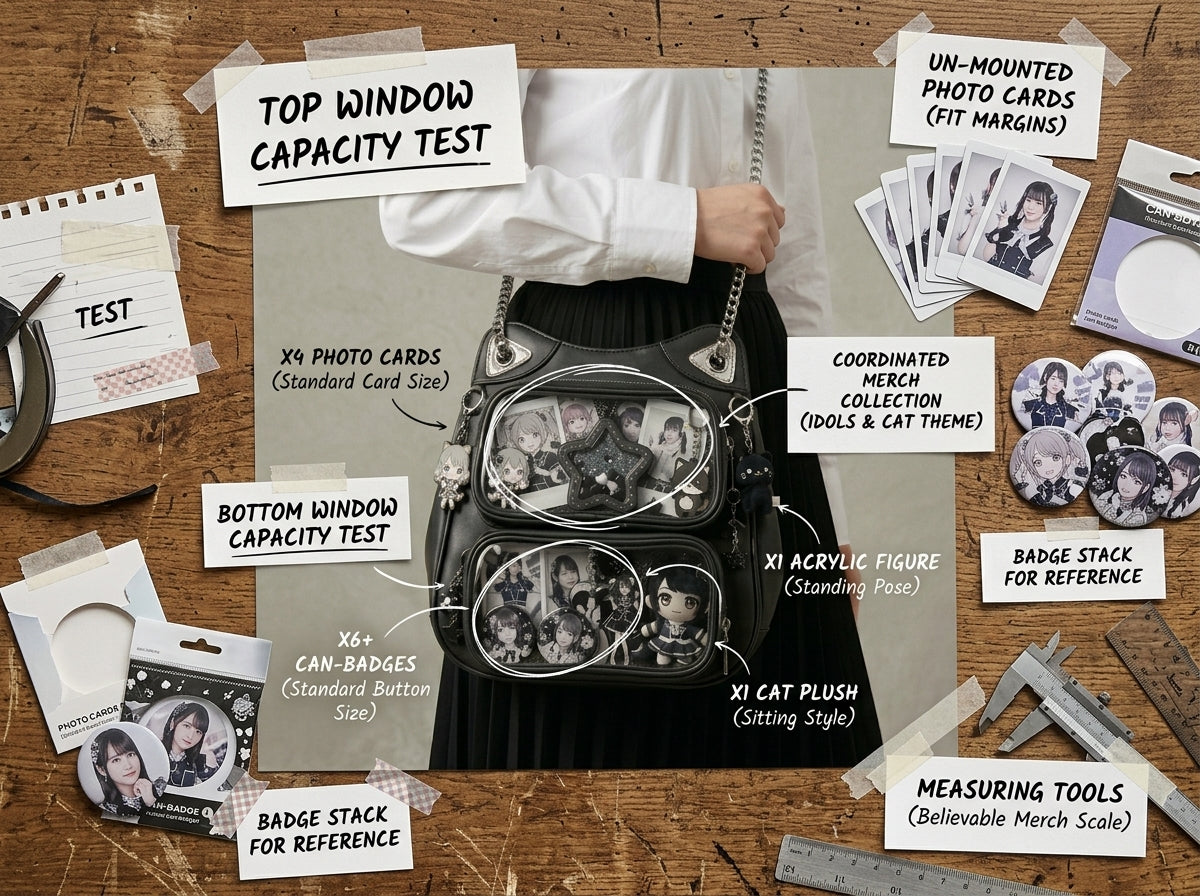
5. Choose the display system for your collection
Large single windows suit pin walls and one-character shrines. Grid systems help organize flat protected items. Multi-window backpacks make it easier to separate different merchandise types.
6. Prioritize two-strap comfort
A laptop plus metal and acrylic merchandise can become heavy. Adjustable shoulder straps and a balanced load are important for repeated school or work use.
For a school-focused comparison, see Best Ita Backpack for School With a Large Display Window.
Important buying rule
If a product listing does not state a laptop compartment size, do not infer fit from a marketing photo. Ask for the internal measurement or choose based on a verified measurement. A 14-inch laptop from one brand can have different body dimensions from another.
Bottom line
Choose for the laptop first because it has the least flexible dimensions. Once you know the device fits safely, compare display window, insert type, backpack depth, and carrying comfort for the merch collection. Browse OshiHub Ita Backpacks to compare backpack styles, then verify your exact laptop dimensions against the product measurements before choosing.