How to Balance a Multi-Window Ita Bag Display
A multi-window ita bag gives you more than one display area, but that extra space can also make a layout feel fragmented. The easiest fix is to stop treating every window as equally important. Build one clear focal point first, then let the other windows support it.
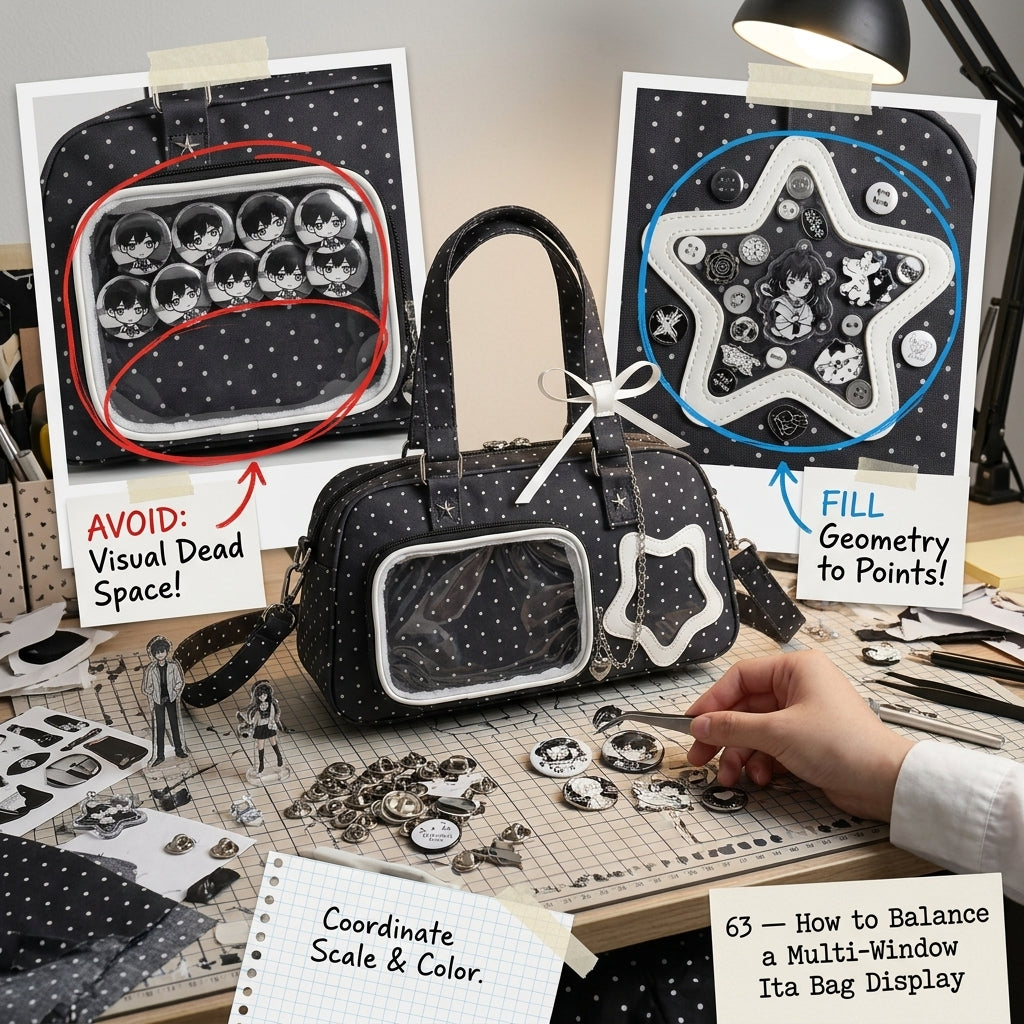
1. Choose one primary window
Start with the window you want people to notice first. Put your strongest piece there: a favorite photocard, a larger pin group, a character cluster or another piece that immediately communicates the theme.
The remaining windows should not compete with it. Think of them as supporting spaces for smaller merch, repeated motifs or color accents.
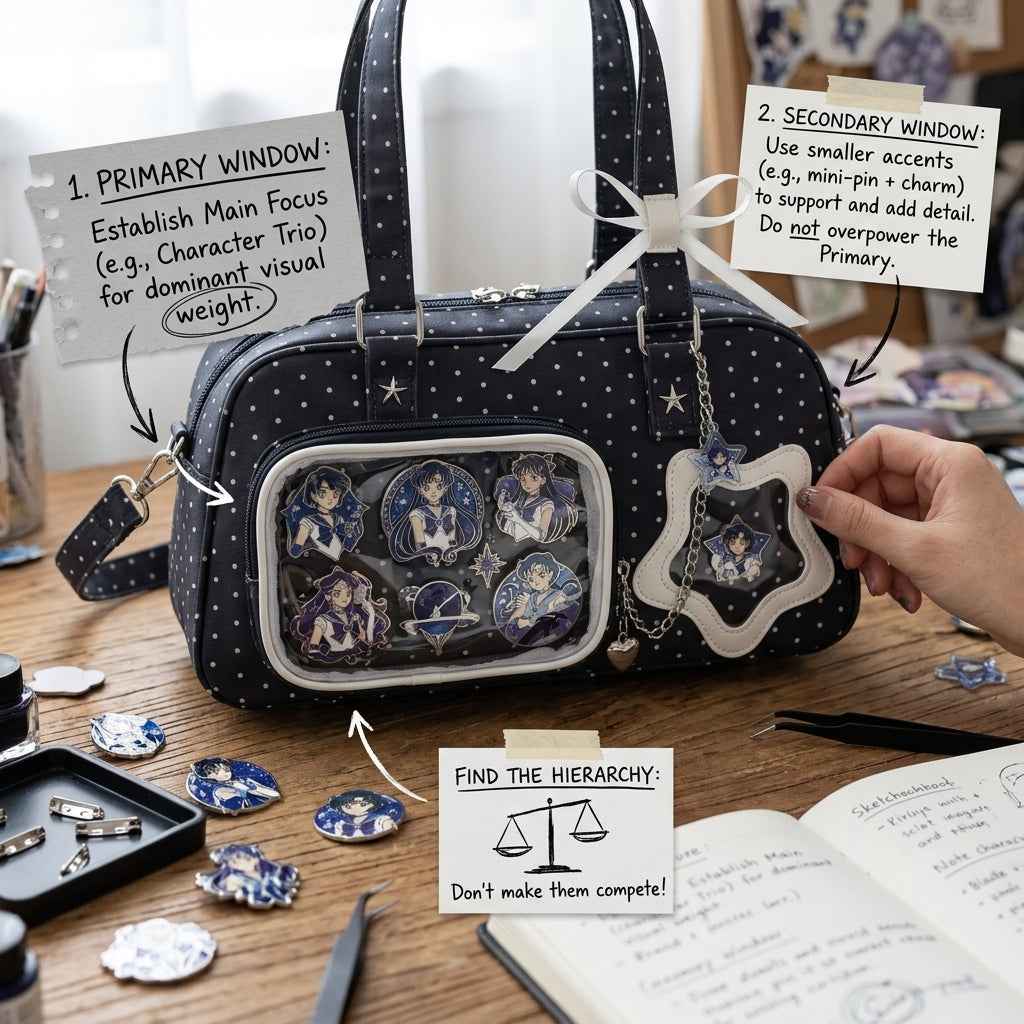
2. Give secondary windows a simpler job
A secondary window works best when it has one clear purpose. It can repeat the same character, carry one accent color, hold smaller merchandise, or continue a visual motif from the main window.
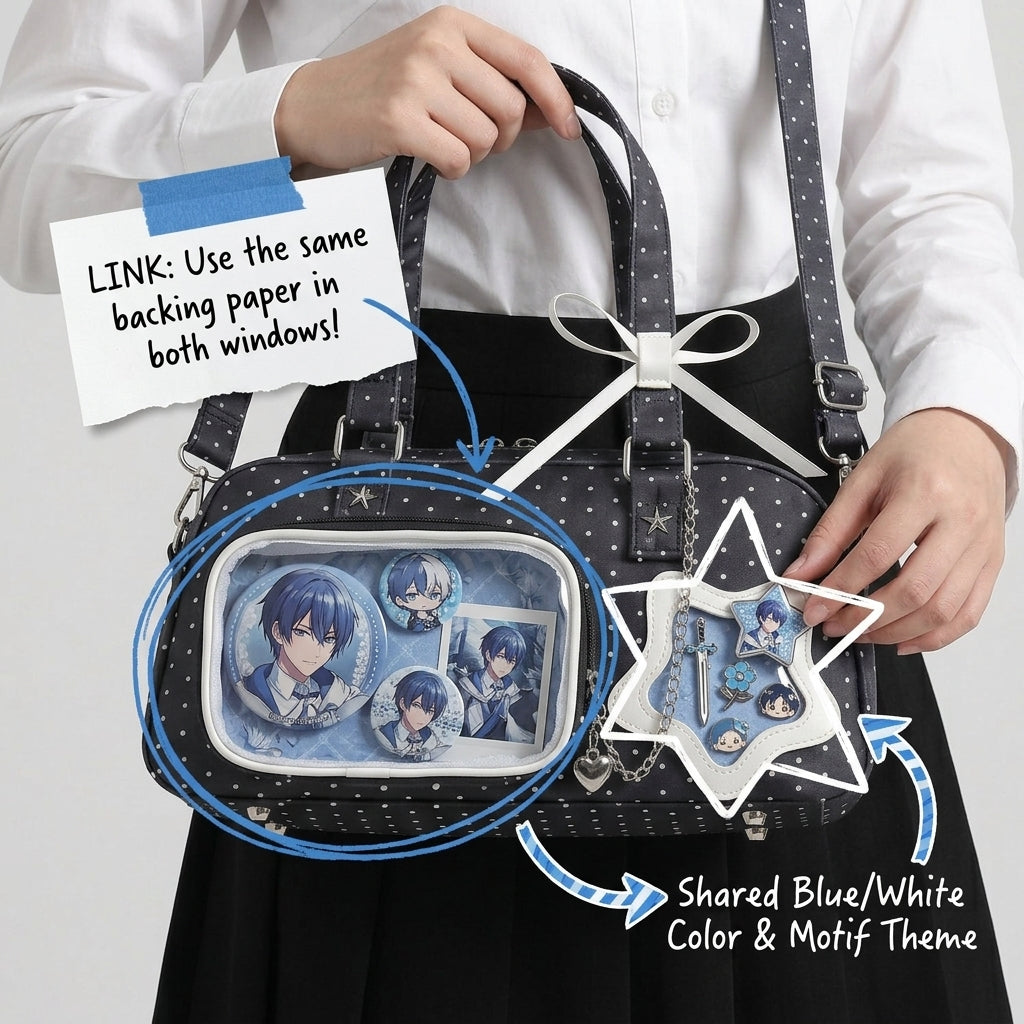
3. Repeat color across separate windows
Separate windows still need to feel like one collection. Repeating one or two dominant colors is one of the easiest ways to connect them. You can also repeat similar shapes, ribbon details, character motifs or accessory styles.
Three easy multi-window layout recipes
Hero + support: use the largest or most visible window for the main collection and smaller windows for matching accents.
Character zones: dedicate each window to a different character, then connect them with one shared palette or repeated accessory type.
Story sequence: arrange the windows so they feel like a visual progression rather than separate mini displays.
Keep the whole bag readable
Before finalizing the layout, step back and look at the bag as one object. Your eye should land somewhere immediately. If you cannot tell which section is the focus, remove a few filler pieces or simplify one of the secondary windows.
If you are still planning the overall composition, start with our ita bag layout guide. You can also compare large display windows vs multiple-window ita bags before choosing a bag style.
Ready to build your next display? Browse all OshiHub ita bags.