How to Photograph an Ita Bag Display
To photograph an ita bag with less glare, use soft indirect light, keep the lens close to parallel with the display, and rotate the bag only slightly until bright reflections move away from important merch.
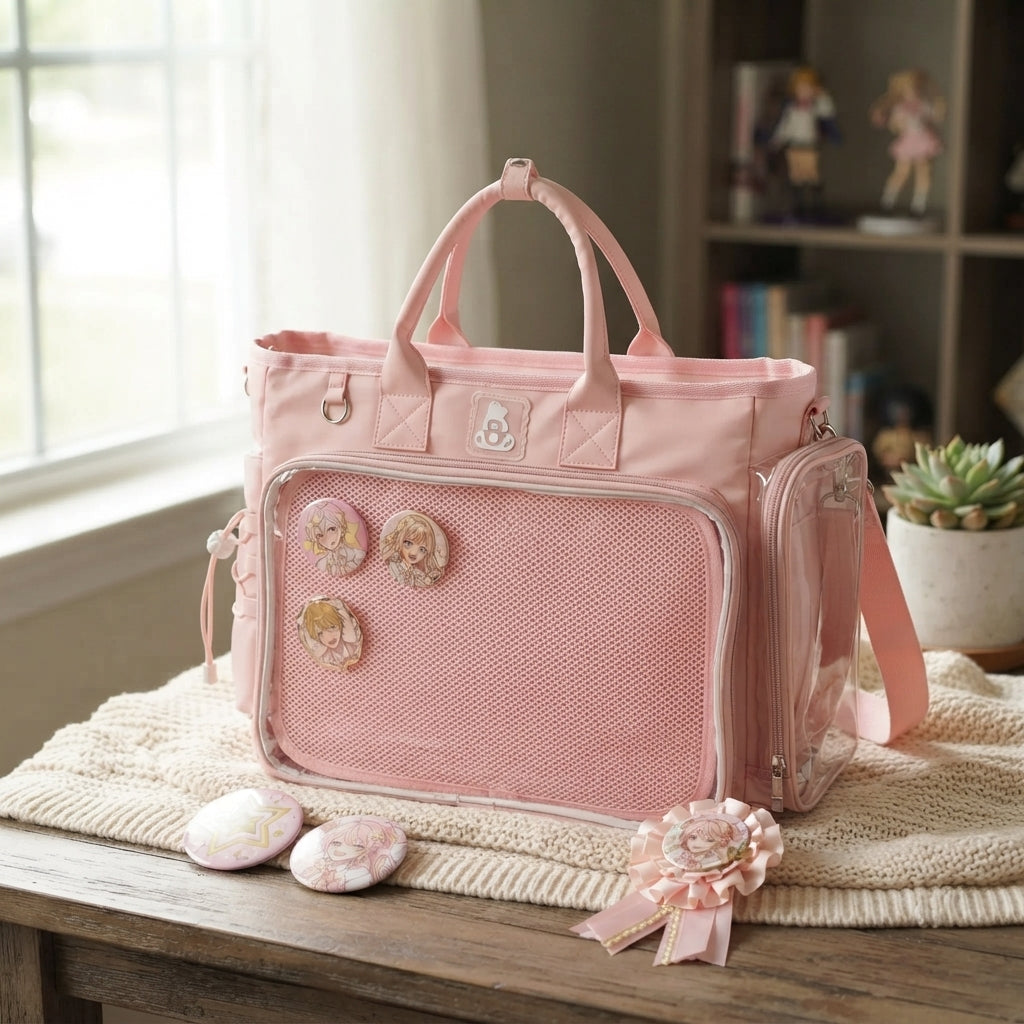
Quick setup before you take the photo
- Clean fingerprints from the clear window.
- Use indirect daylight or open shade instead of hard direct light.
- Keep the camera near the center height of the display.
- Move the bag a few degrees at a time until reflections leave faces and focal pieces.
- Take one straight-on reference shot before styled angles.
Use soft, indirect light
Bright direct light creates hard reflections on the clear window. Photograph near a large window with indirect daylight or in open shade. Move the bag rather than trying to rescue severe glare later in editing.
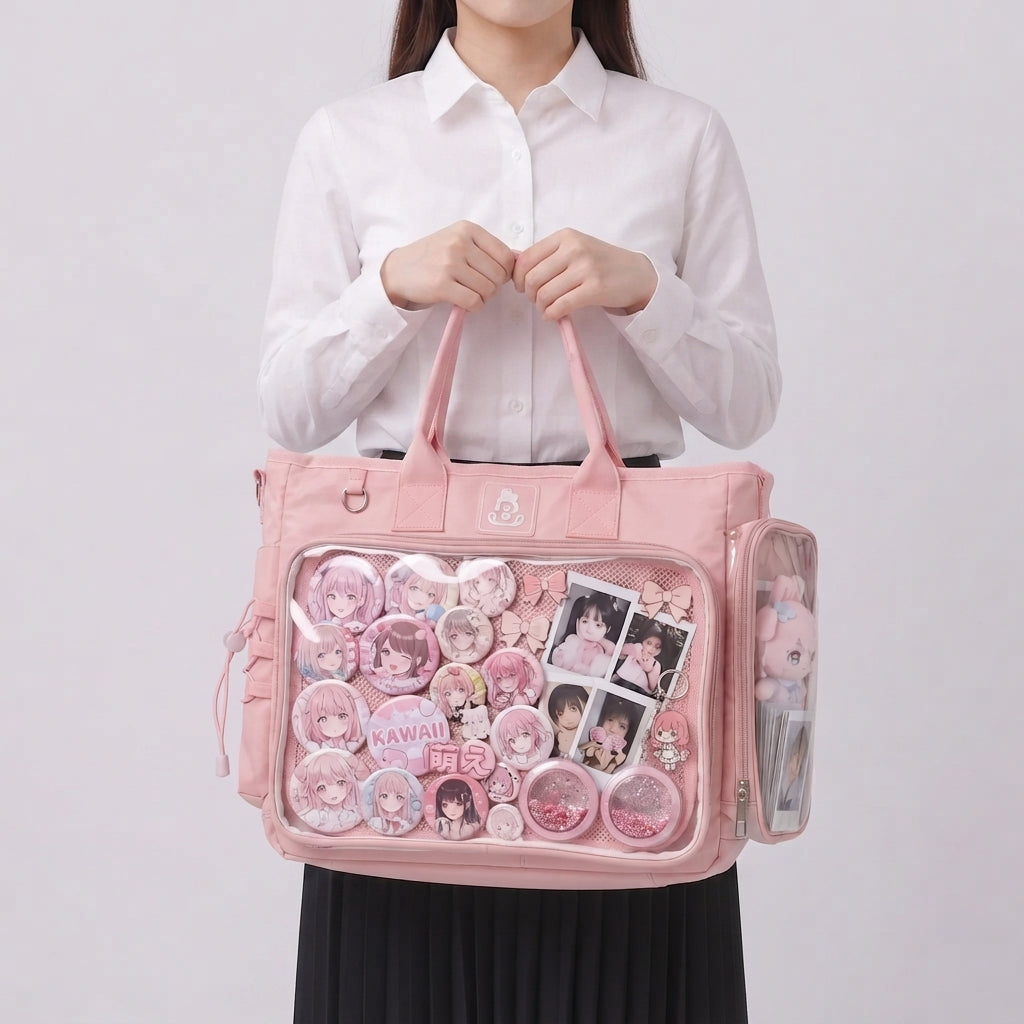
Keep the lens nearly parallel to the display
If the camera is too high or low, rectangular windows and photocard holders become trapezoids. Start with a straight-on documentation shot, then add more styled angles.
Turn the bag slightly, not dramatically
A tiny rotation can move a bright reflection away from a character’s face or an important badge. Make small angle changes while watching the screen. The goal is to move the reflection without hiding the display.
Separate the bag silhouette
Dark bags benefit from a lighter background; pale bags often benefit from a slightly darker or more saturated surface. A plain backdrop is safest, while a tidy desk or soft fabric can add context for lifestyle shots.
Take three kinds of photos
Capture one full front shot, one close-up of the display, and one styled lifestyle angle. One image should not have to explain everything.
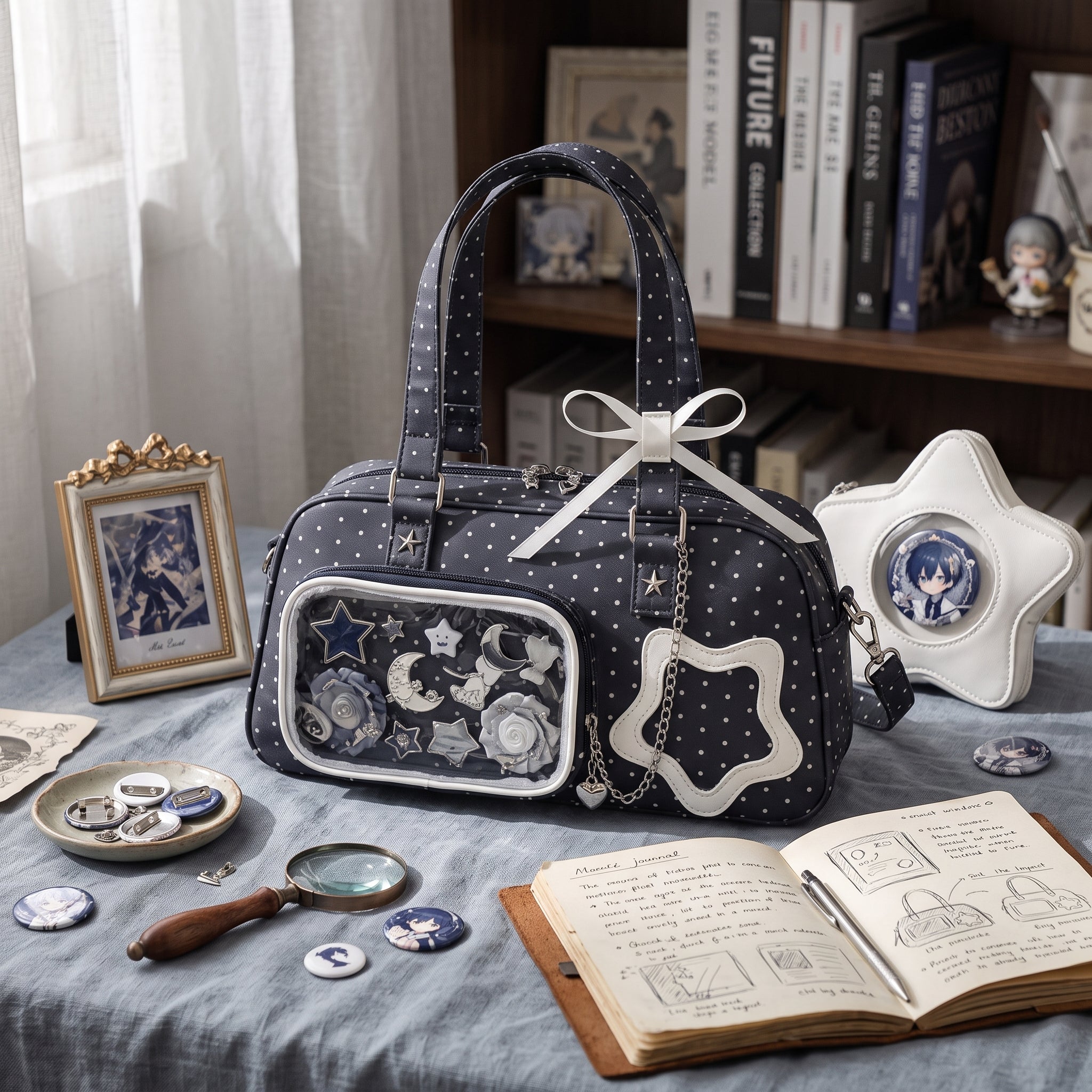
Clean, frame, shoot, review
Fingerprints become obvious under side light. Wipe the clear surface gently before shooting.
Correct exposure and crop if needed, but keep bag and merch colors close to reality.
A straight-on photo reveals tilted rows and awkward gaps. Fix the display, then shoot again.
Need to improve the composition before the photo? Start with How to Plan an Ita Bag Layout. If glare or fingerprints are the problem, use How to Clean an Ita Bag Clear Window before shooting.