The Musubi Ribbon Bow Shoulder Ita Bag gives you three clear display windows across the front and both sides. Its structured PU leather body and ribbon-bow detailing already add visual character, so the display does not need to be equally busy in every window.
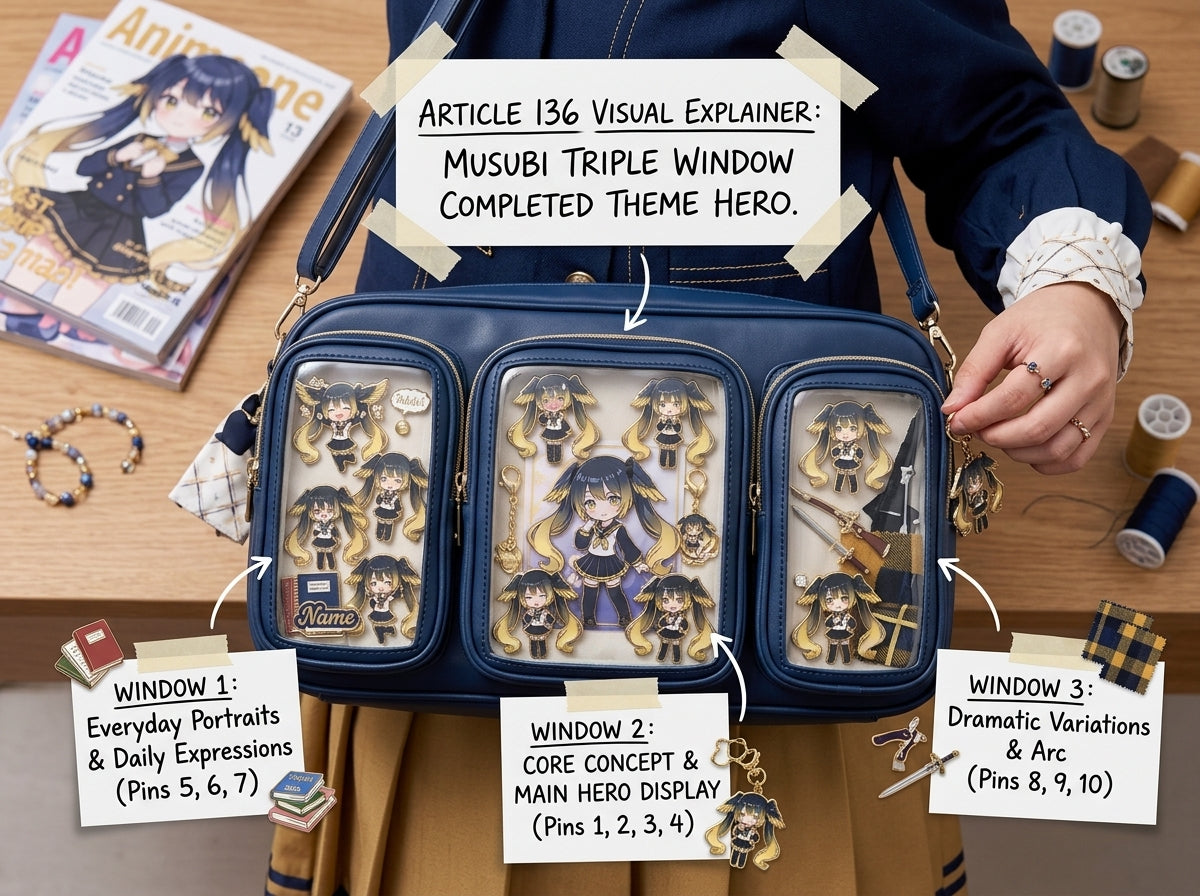
Front window: the main shrine
Put the strongest part of the collection on the front: your favorite photocard, repeated pin group, or main character arrangement. This should explain the theme at a glance.
Left window: repeat one element
Choose something already present on the front—one color, badge size, ribbon, or character symbol—and repeat it on the left. This makes the side feel related without duplicating the whole front.
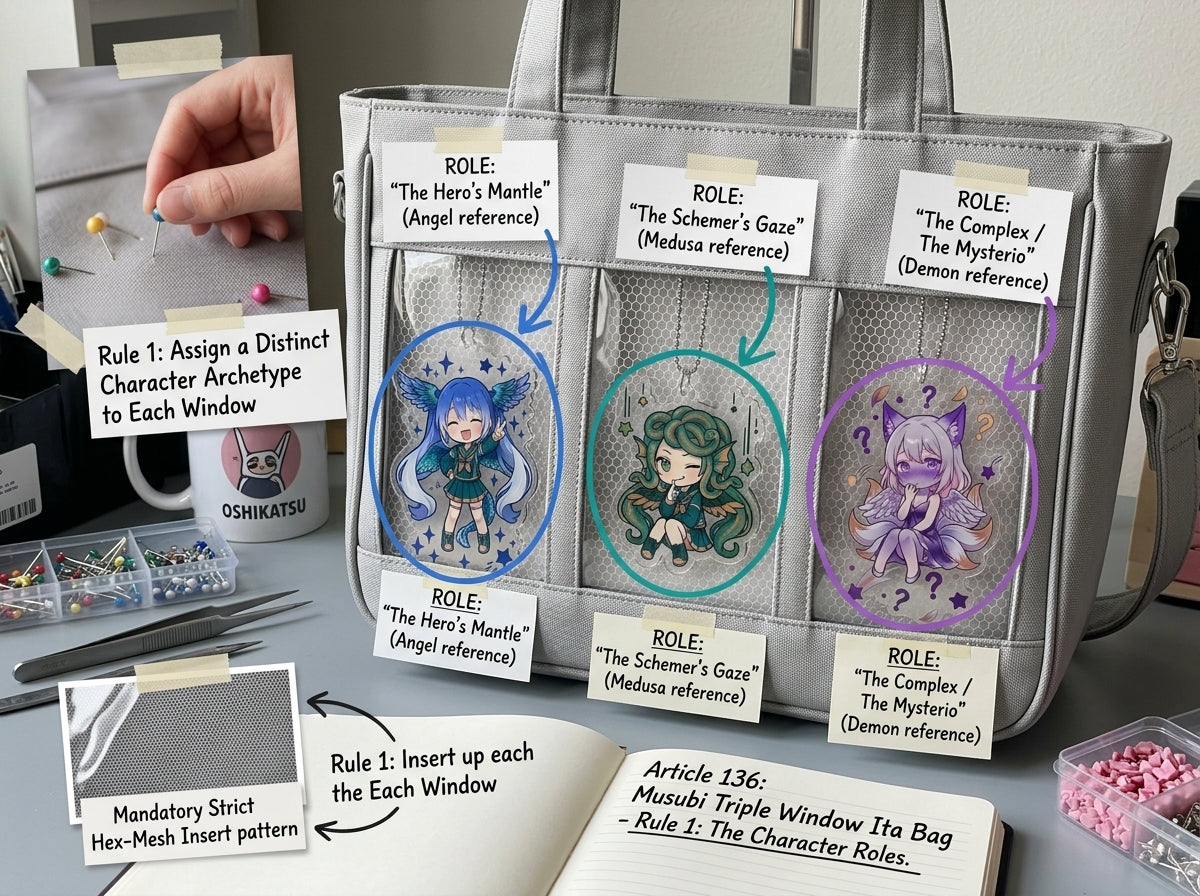
Right window: add a complementary detail
Use the right side for a second character, alternate costume, event logo, or small charm. Keep the density similar to the left so the bag feels balanced.
Use the bow styling as part of the composition
Because Musubi already has ribbon-bow detailing, you can echo that shape with one or two ribbon accents inside the display. Avoid adding so many bows that they compete with the bag’s own design.
Three theme structures
- Character + two symbols: main character front, related icons on sides.
- Three eras: newest merch front, older versions left and right.
- Mixed merch: pins front, photocard left, charm right.
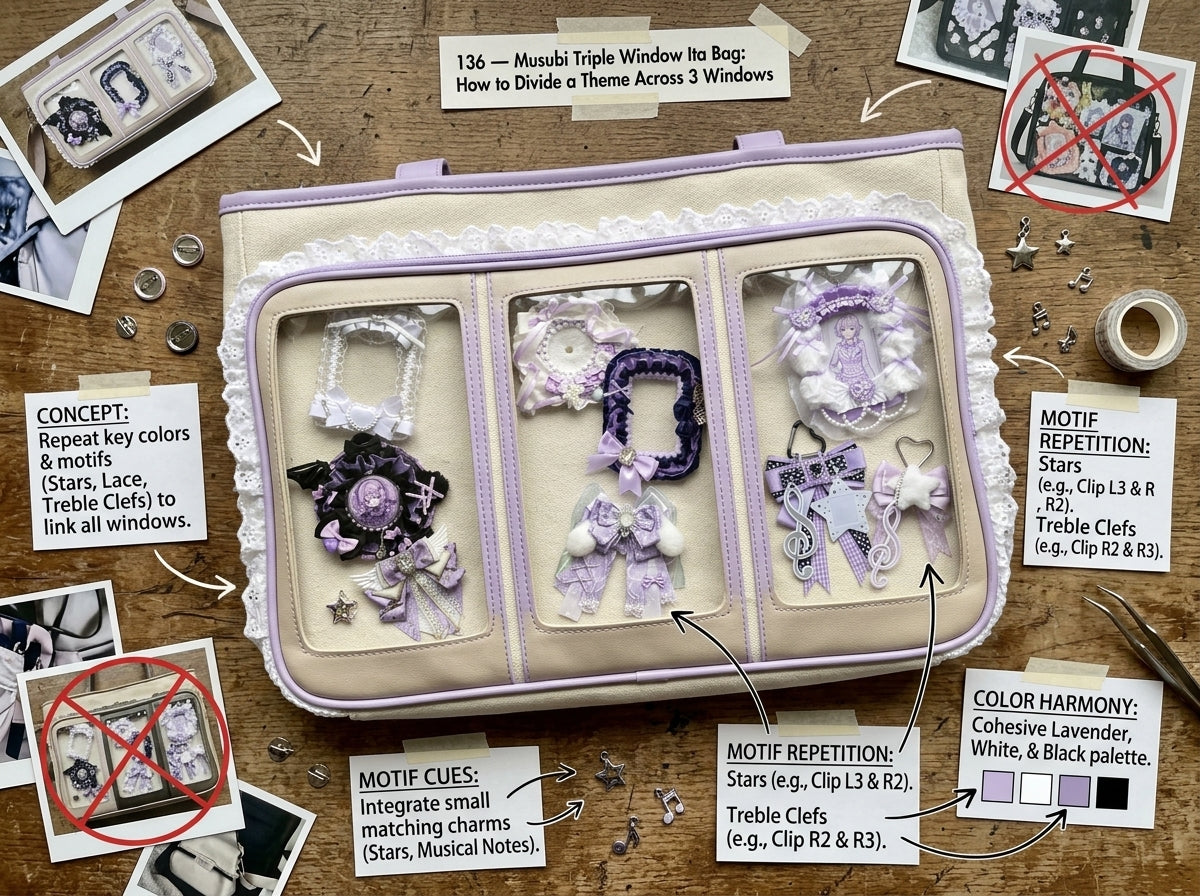
Keep one visual rule consistent
Matching backgrounds, holder frames, or spacing across all three windows creates cohesion even when the merchandise differs.
View the Musubi Ribbon Bow Shoulder Ita Bag or read how to keep multiple windows visually connected.
Bottom line
Use Musubi’s front as the headline and the side windows as supporting details. That hierarchy lets the triple-window design feel elegant rather than crowded.