If an ita backpack looks perfect empty but the display bows outward after you pack it, the main compartment is transferring pressure to the front. The fix is usually better packing—not a tighter display.
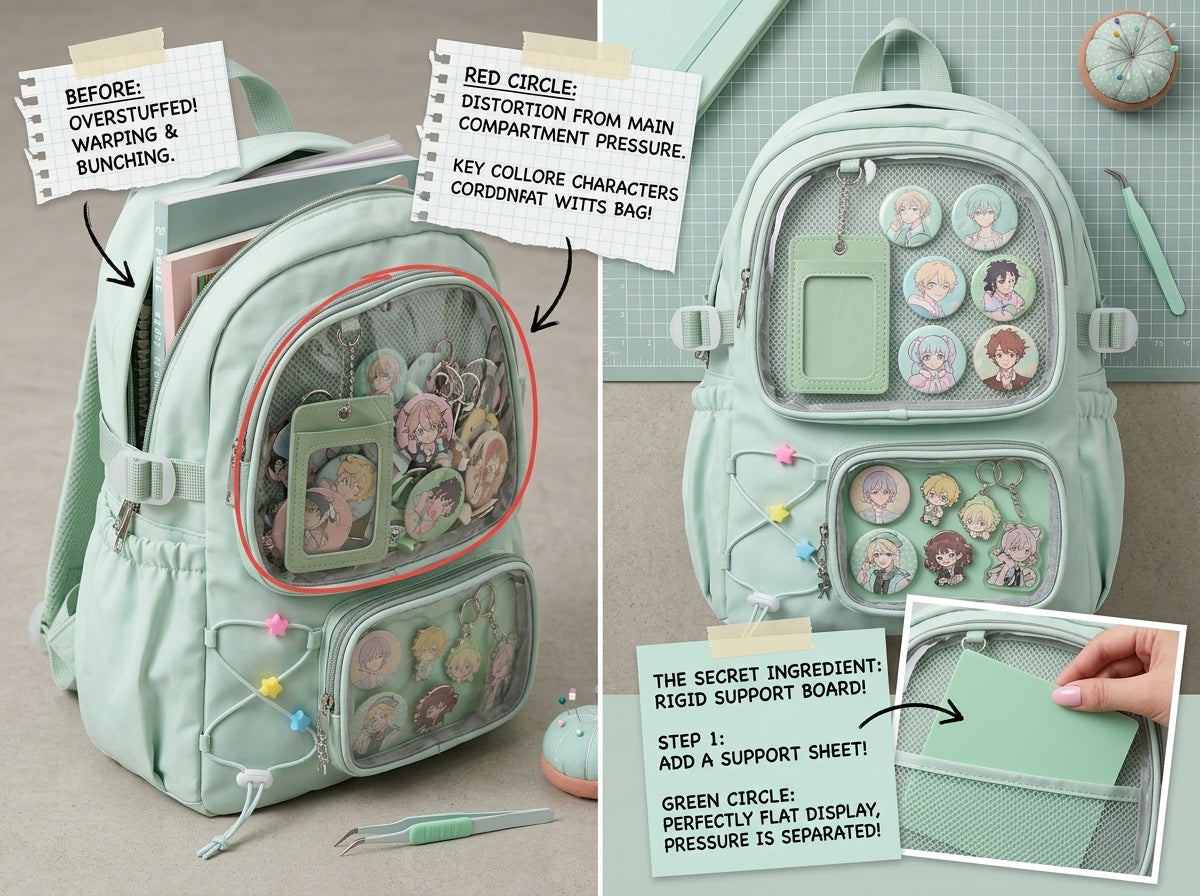
Build a buffer behind the display
Keep the area immediately behind the display relatively flat. Soft pouches, folded fabric items, or simply a little empty space work better there than rigid cases or bottles.
Move dense items toward your back
Place books, electronics, and heavy accessories close to the back panel. This improves both weight distribution and display stability.
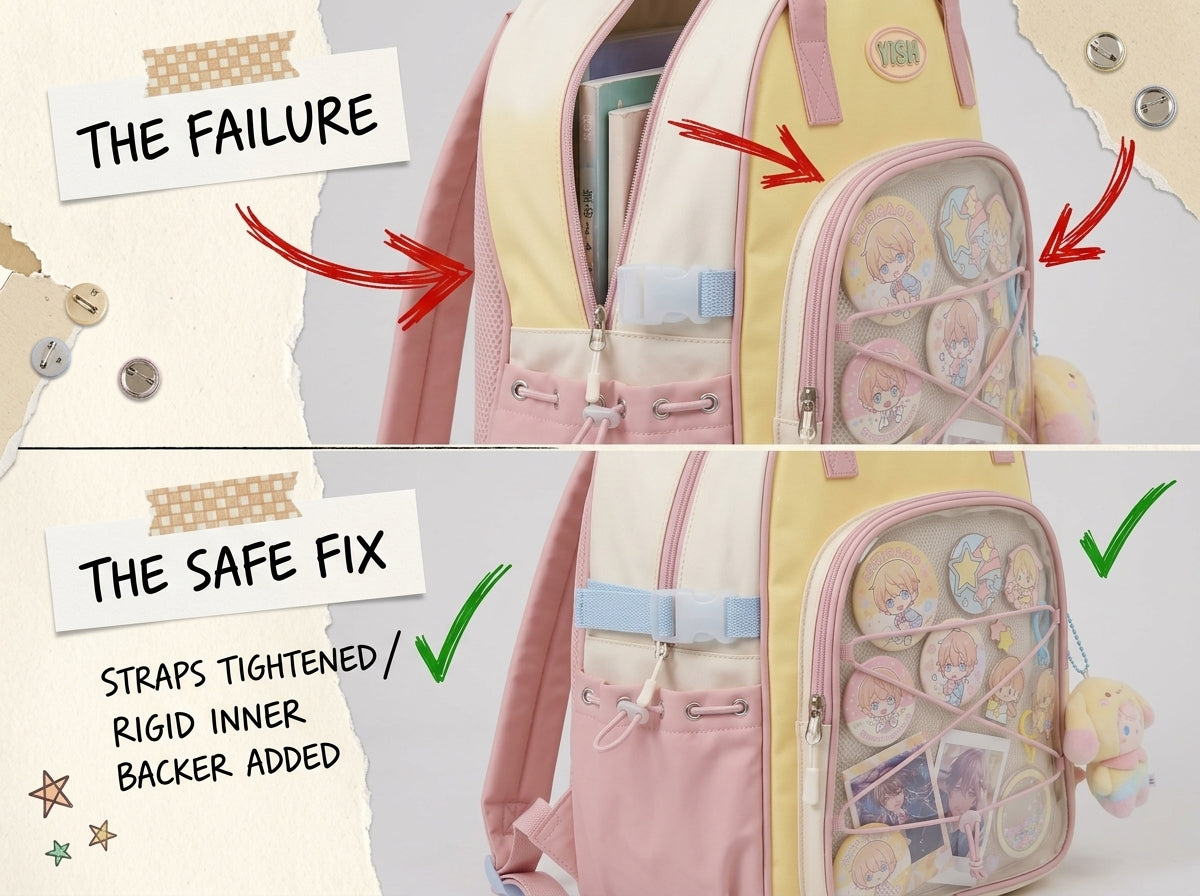
Use vertical organization
Instead of stacking everything horizontally against the front, stand notebooks and pouches vertically when the bag shape allows. This can reduce the outward bulge.
Do not compress the bag beyond its natural volume
If you have to pull hard on the zipper or the front panel becomes visibly rounded, the compartment is too full. Remove an item or use a second bag.
Keep the display itself thin
Rosettes, plushies, stacked acrylics, and thick holders already use depth from the front side. A thick display plus a completely full main compartment leaves no room for the bag to flex safely.
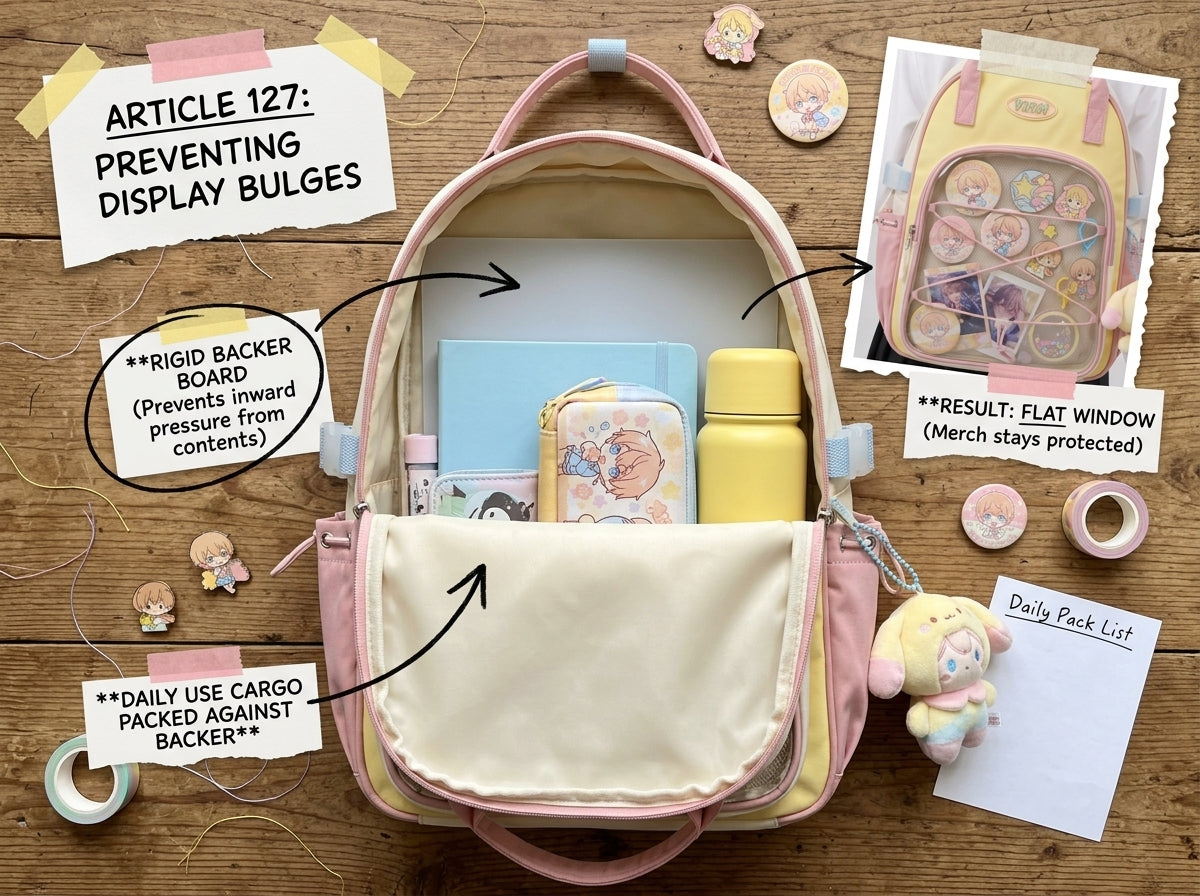
Test from the side
After packing, look at the backpack in profile. The display area should remain close to its natural plane. If it projects outward noticeably, identify what is pressing from behind.
Use a structured backpack when flatness matters
A structured body can resist small changes in cargo shape better than a very soft bag, but structure does not make overpacking harmless. You still need to respect the bag’s volume.
For everyday school organization, see Ita Bag for School: Display & Storage Setup.
Bottom line
The front display stays flat when the main compartment is organized around it. Keep hard, heavy items close to your back and leave enough buffer that the display is not acting as the wall holding everything in.
If flat display structure is a priority before purchase, compare OshiHub Ita Backpacks by body structure, depth, and window layout.