The Nova Dual Window Ita Backpack uses multiple clear display areas rather than one uninterrupted window. That gives you more ways to organize a collection, but the display looks strongest when each window has a clear role.
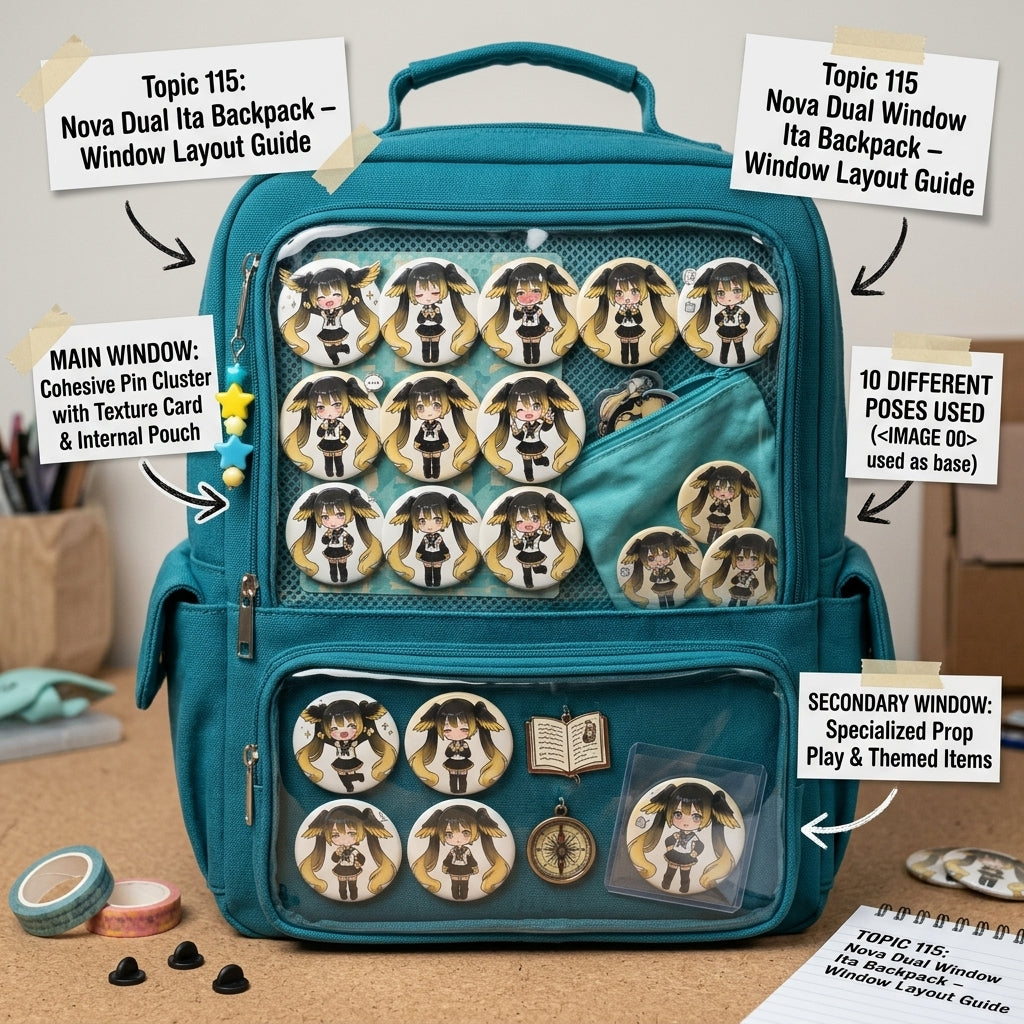
Option 1: main character + supporting character
Put the character with the larger collection in the main display zone and use the smaller window for a second character. Repeat one color, holder style, or badge size across both windows so they still feel connected.
Option 2: pins in one window, photocards in the other
Separating merchandise types can make a mixed collection easier to read. Keep denser pin groups together and give rectangular photocard holders their own cleaner zone.
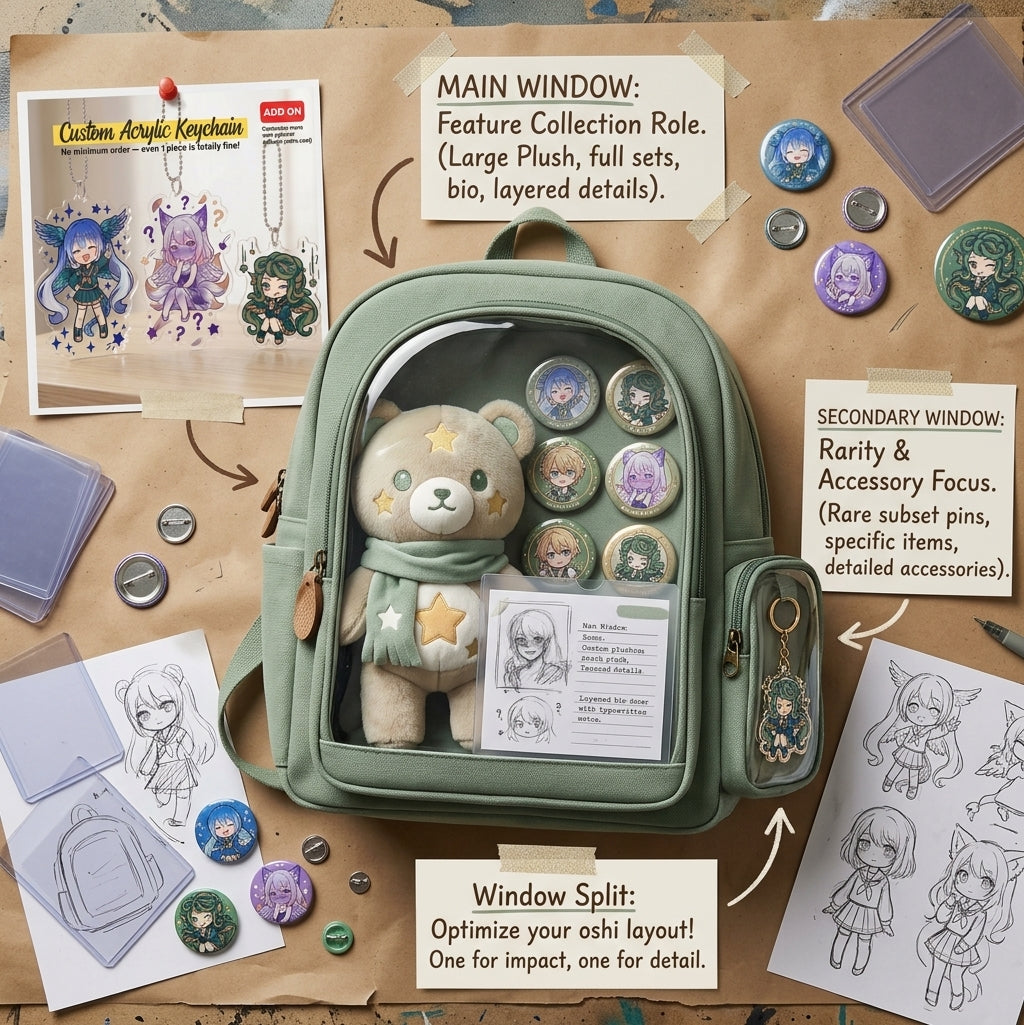
Option 3: hero window + accent window
Use the main area for the full shrine and the smaller area for one statement item: a rare photocard, large badge, title card, or decorative charm. This creates a clear visual hierarchy.
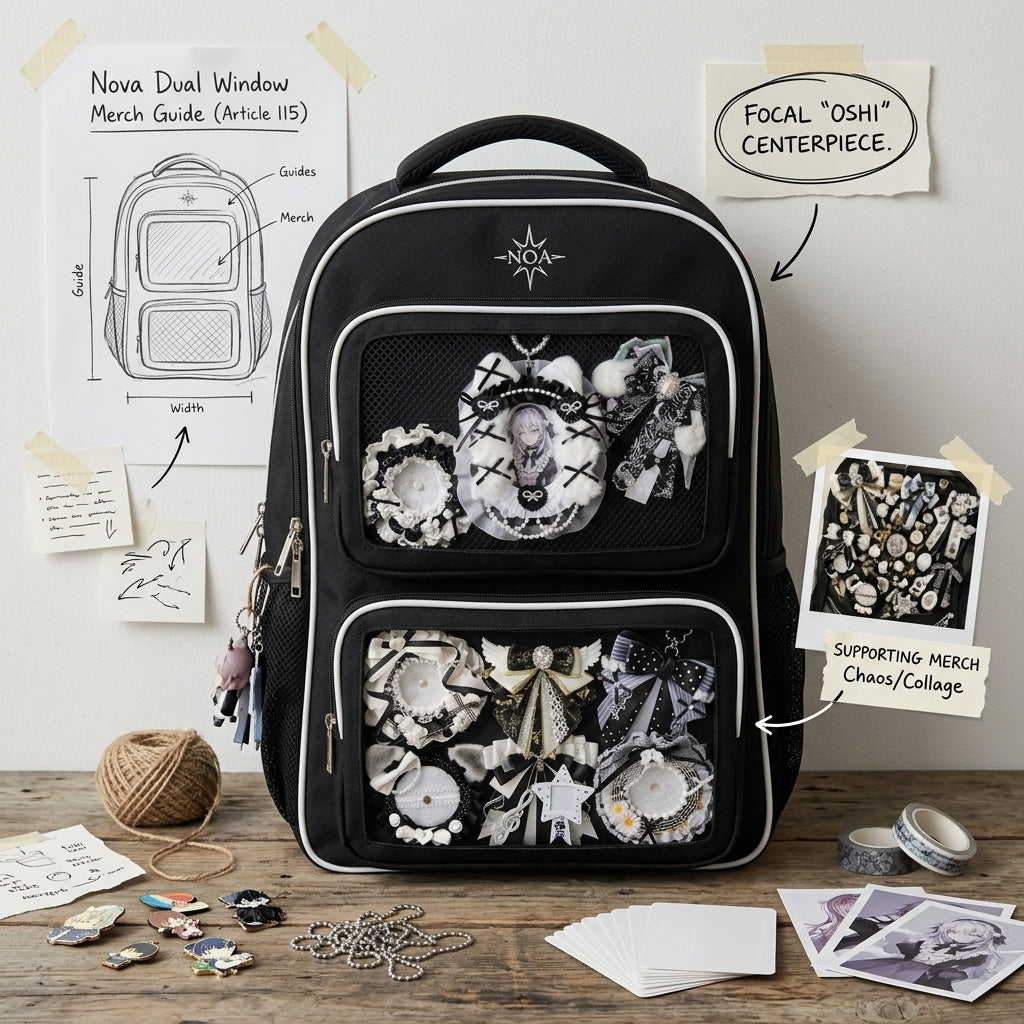
Option 4: everyday-safe vs event-only merch
If you use the backpack regularly, place lower-risk durable pieces in the most exposed zone and reserve fragile or special items for a secondary window that is easier to keep sparse.
Keep the windows visually connected
Even when the content is different, repeat at least one design element across both sections. Matching background colors, similar spacing, the same ribbon, or repeated badge sizes are enough to create cohesion.
Do not fill both windows equally by default
Equal density can make the backpack look visually flat. It is often more interesting to let one area carry the main story and the other act as support.
For general multi-window principles, read How to Balance a Multi-Window Ita Bag Display.
Practical packing note
Nova measures approximately 29 × 40 × 15 cm and is designed as a functional backpack with a spacious main compartment. As with any display backpack, avoid packing the interior so tightly that hard objects push into the display zones.
If you want to compare Nova with other clear-window backpack structures before choosing, browse the OshiHub Ita Backpacks collection for alternative window layouts, storage formats and sizes.
Bottom line
The simplest Nova strategy is to assign a different job to each window. Use one for the main story and one for a secondary character, merchandise type, or accent. That makes the dual-window design feel intentional rather than like two unrelated mini displays.