One Character vs Multi-Character Ita Bag
Yes—an ita bag can have multiple characters. There is no rule that limits an ita bag to one character. A single-character display creates stronger focus, while a multi-character display lets you combine a team, pairing, cast, or several favorites. The best choice depends on your collection, your bag structure, and how often you want the theme to change.
Instant focus
Different releases can still feel connected because the subject is consistent. This is especially strong for repeated badges, birthday displays and collections centered on one oshi.
Once you choose this direction, use the start-to-finish one-character ita bag method to build the display step by step.
More variety
A group display can represent a team, pairing or full cast. The challenge is giving the group a second organizing rule so every character does not compete equally.
- You own many pieces of one oshi.
- You like shrine or repeated-badge layouts.
- You want the theme to read instantly from a distance.
- You frequently collect new releases of the same character.
Four ways to prevent chaos
- Split the window: left/right or top/bottom.
- Assign colors: give each character a repeatable color cue.
- Create hierarchy: put the favorite in the center and supporting characters around it.
- Use separate windows: one character or merch type per panel.
Use removable inserts for both
If your bag uses removable inserts, build one single-character shrine and one group board. Swapping a complete board is much easier than dismantling the same display for every event.
Read the Ita Bag Insert Guide for more.
If you choose a group display, see Multi-Character Ita Bag Layout Ideas for practical ways to separate characters without losing cohesion.
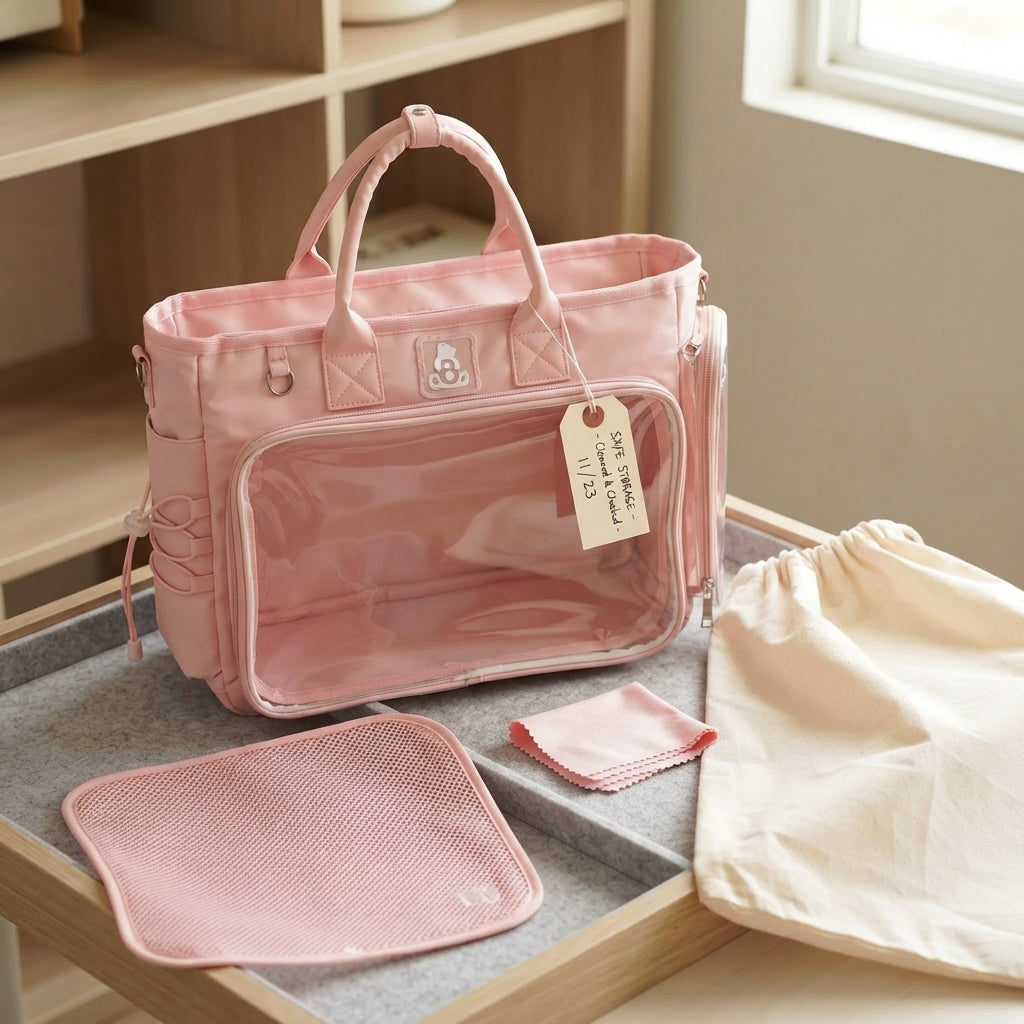
Choose enough display space for the number of characters
For a single-character shrine, compare All Ita Bags. If your multi-character layout needs more separation or room, browse Large Display Ita Bags and compare the usable window before building the board.